
Case study / Product design & UX
A third of all food produced is wasted. Much of it never leaves the kitchen.
Meli is a smart kitchen system that uses AI and AR to guide home cooks through intuitive cooking, portioning, and leftover prevention.

10 weeks
UX designer
Gabriel Vizcarrondo, Taylor Rosenfeld, Nico Zafarna, Luke Lobstky, Isabela Muñoz
Survey, depth interviews, cultural probes, contextual observation
Food waste in the home
Smart kitchen device with AR projection and companion app
01 / The problem
Food is scarce in one place and discarded in another.
People all over the world are starving while, in the United States and elsewhere, food goes underutilized. A third of all food produced is wasted, and 3.5 lb per person is thrown out at home every week.
The waste is not concentrated in restaurants or supply chains alone. A large share of it happens in ordinary kitchens, at the point where meals are planned, cooked, and portioned.
02 / Hypothesis
What people say about waste and what they do are rarely the same.
Going into research we expected most people to say they do not like wasting food, and to waste it anyway. We knew that stated values and actual habits often diverge, so the study had to look at behavior rather than opinion.
We also expected grocers and restaurants to be difficult to study directly, since regulation and corporate influence limit what they are able to share.
03 / Research
Four methods, aimed at habits rather than opinions.
The survey gave us scale, the interviews gave us reasoning, and the cultural probes and in-home observation showed what actually happened between grocery run and leftovers.
04 / The reframe
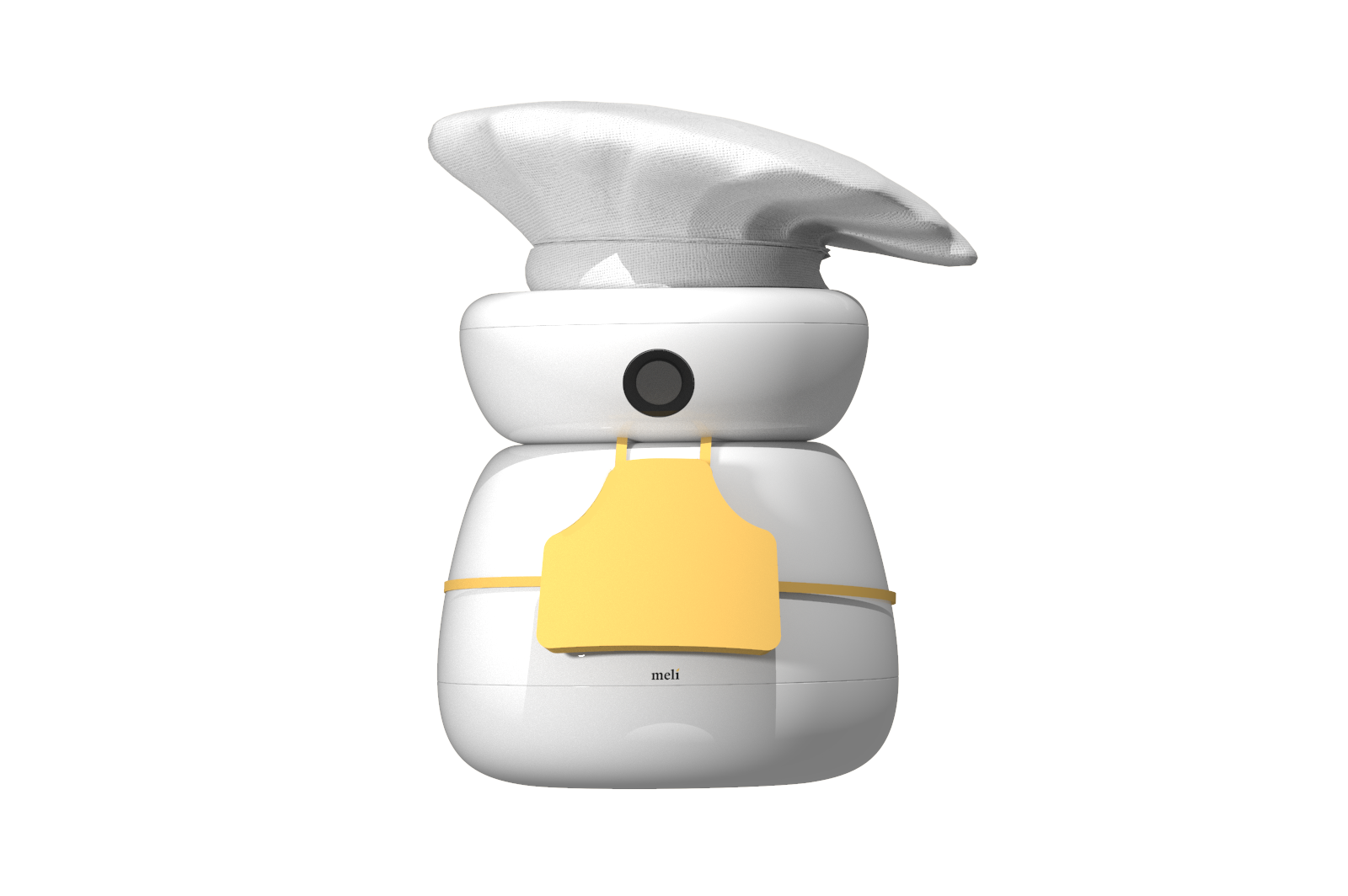
How might we create a convenient, rewarding, and informative system to prevent leftovers?
05 / The system
Introducing Meli.
Meli gives home cooks intuitive cooking, grocery acquisition, and leftover prevention in a single system. Its core value is addressing food waste at the point where most of it is created.


06 / What it does
Seven capabilities, one surface.
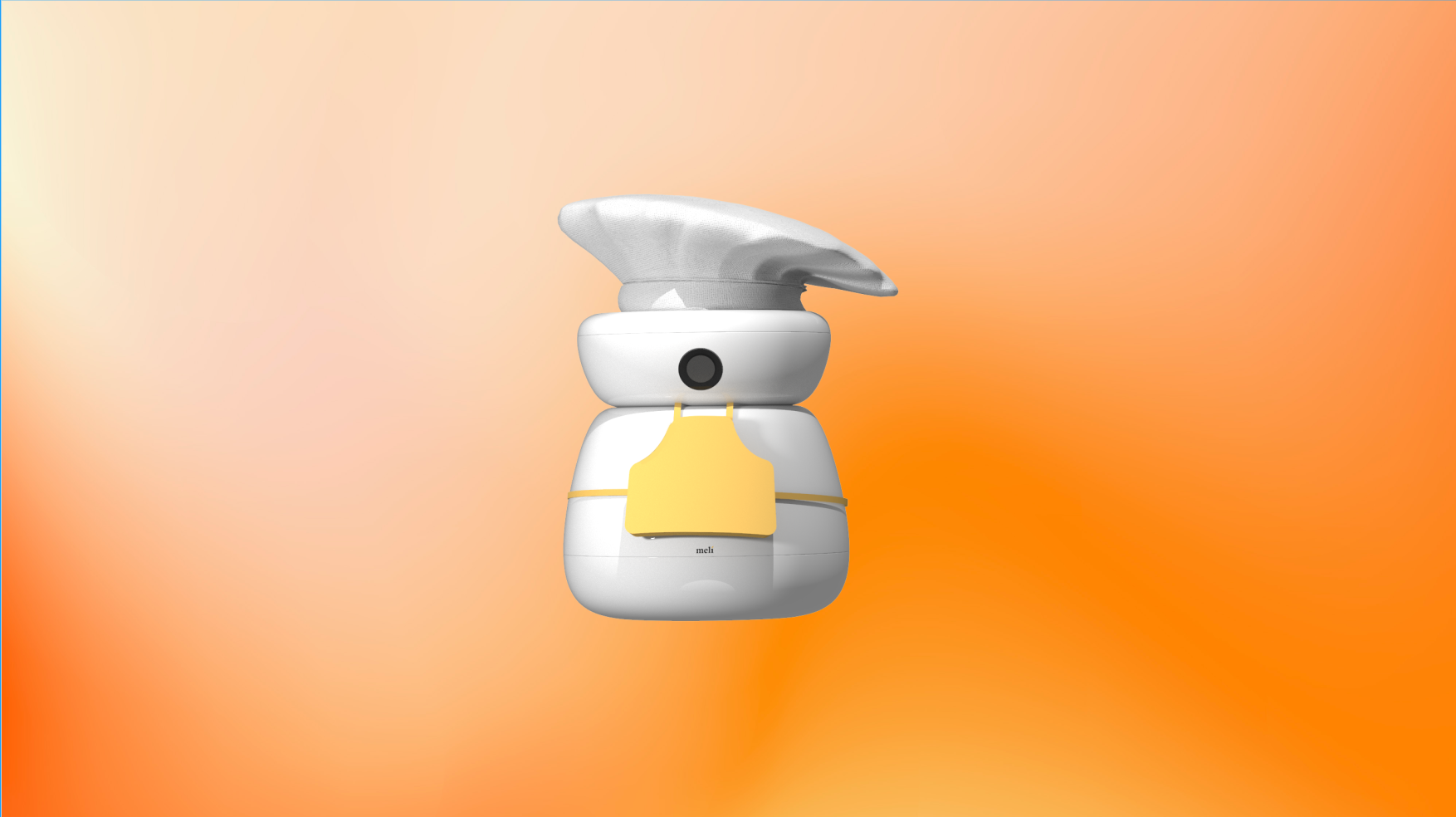
Smart kitchen device
A countertop unit that anchors the system in the place where cooking actually happens.
GIF instruction sequencing
Steps play as short looping visuals rather than static text, so hands stay free.
Portion control
Guidance on how much to prepare, sized to the household rather than the recipe.
Real-time voice assistance
Spoken prompts and answers while cooking, without touching a screen.
Projection
Instructions and guides projected onto the work surface.
AR projections
Overlays that place guidance directly on the ingredients and cookware.
Measuring
Built-in measurement so quantities are read, not estimated.
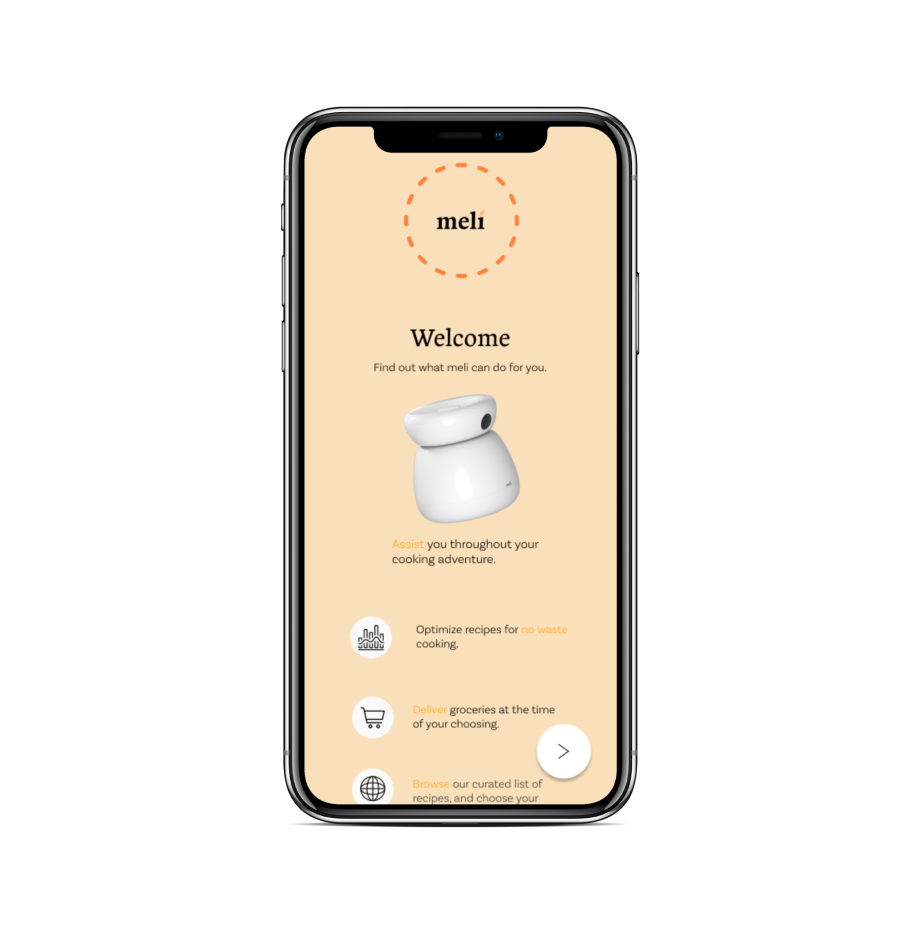
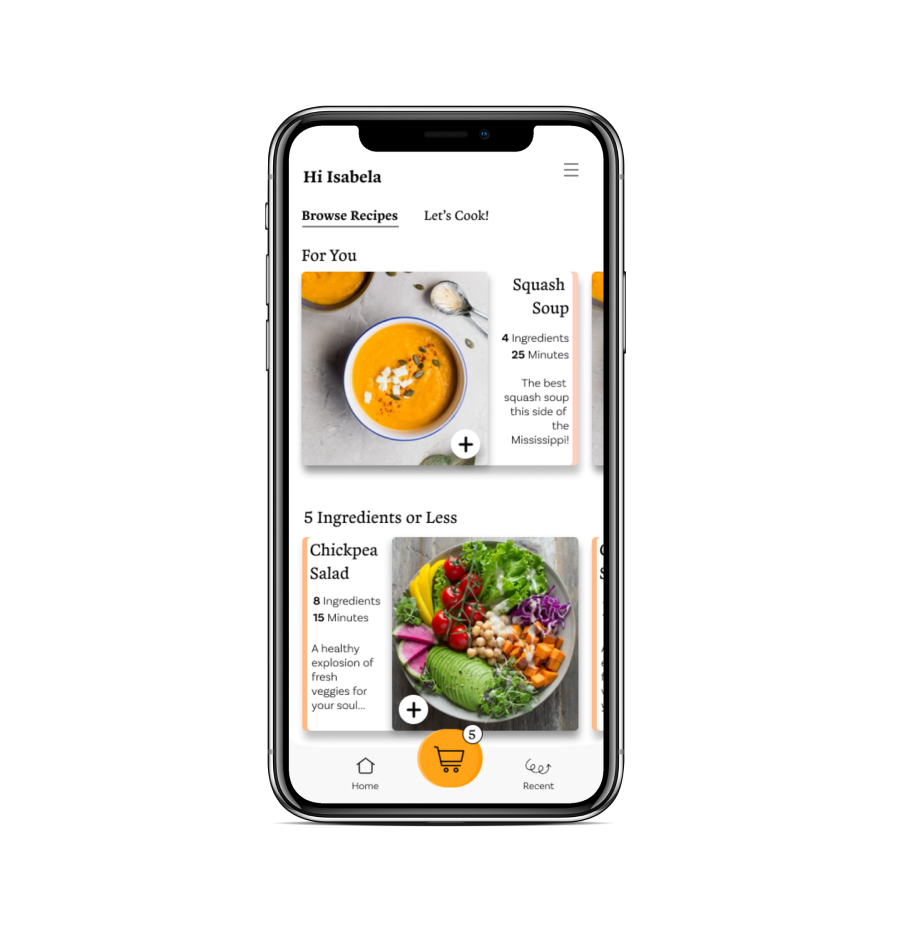
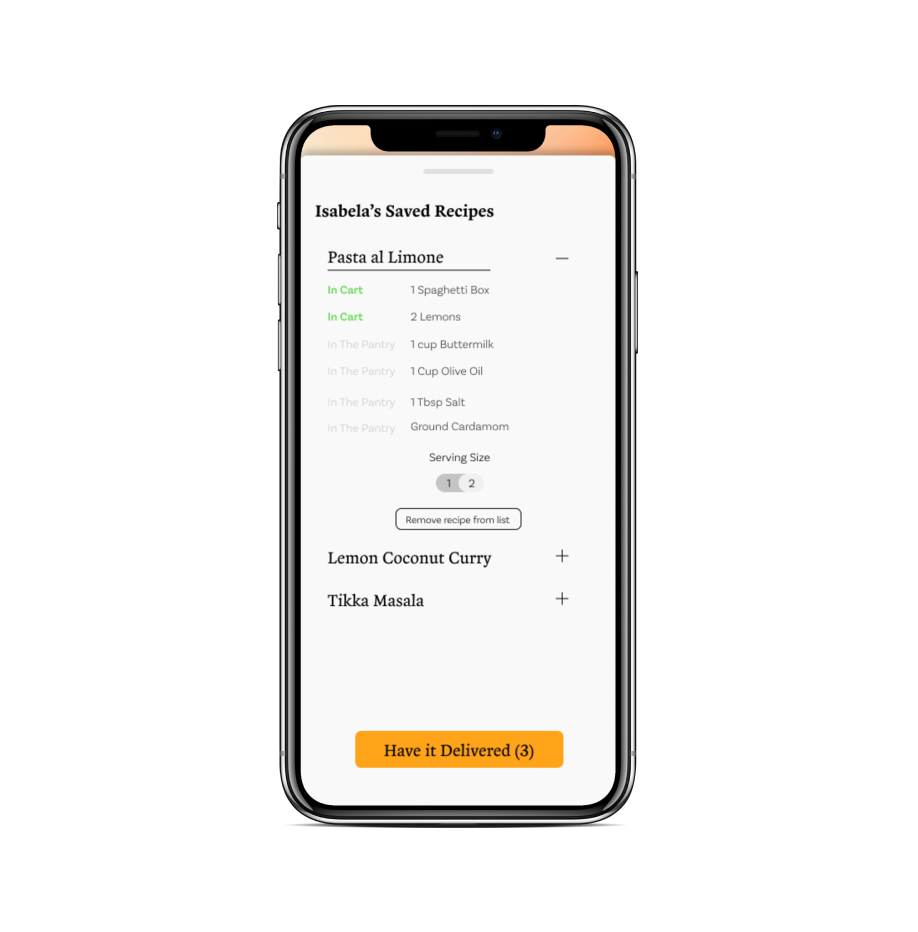
07 / The interface
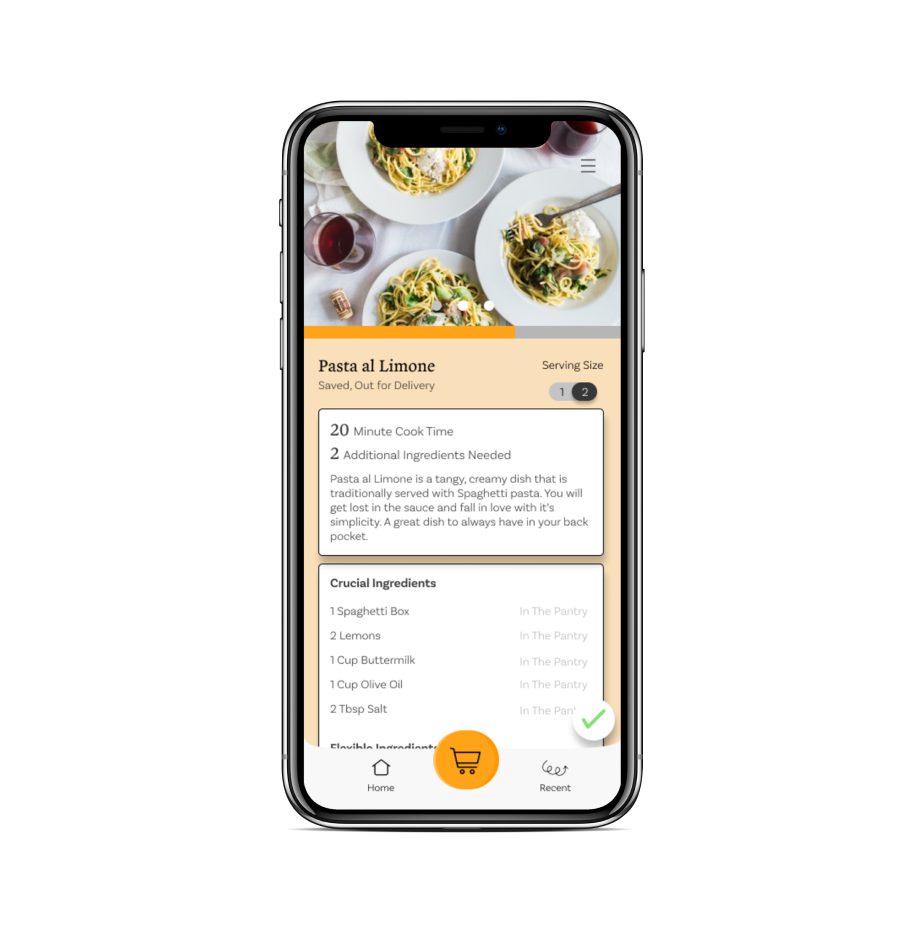
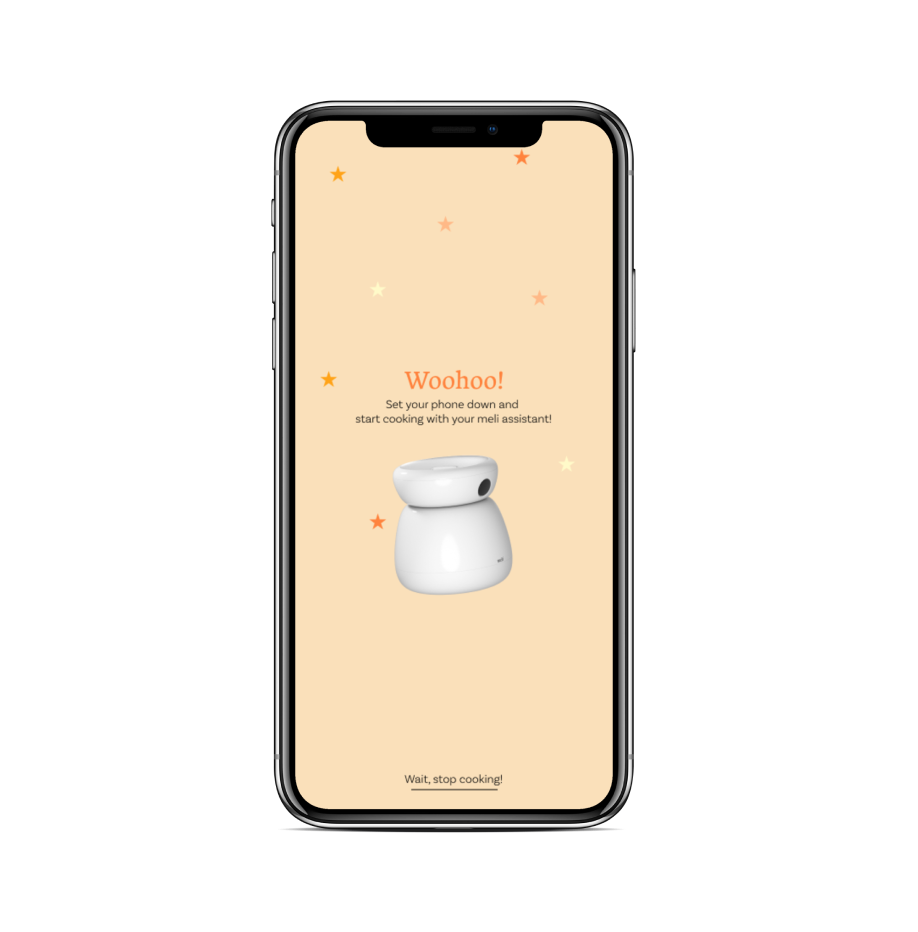
Planning, cooking, and what is left over.
The companion app carries the parts of the journey that happen away from the counter: what to buy, what is already in the kitchen, and what to do with what remains.
08 / Walkthrough
The concept in motion.
A walkthrough of the system: the device on the counter, the projected guidance, and the flow from recipe to portion.
Project documents
The full process.
The process book documents the research, synthesis, and concept development across the ten weeks.